


EdTech Marketing Strategy: Driving Software Adoption with Physical Kits
In a crowded digital landscape, physical promotional products serve as critical cognitive anchors that drive software adoption and strengthen district partnerships.
10 min read
EdTech companies can significantly boost software adoption and secure multi-year renewals by partnering with Myron to deploy physical teacher adoption kits and district partner appreciation gifts. Strong choices include custom shortcut mouse pads, USB flash drives with offline resources, teacher appreciation welcome packages, and premium district partner thank you gifts. 8-12 weeks before back-to-school professional development sessions or district budget renewal windows. Avoid cheap, non-functional plastic novelties that teachers immediately discard, which reflects poorly on a premium software brand.
The Classroom Friction Point: When Software Meets Reality
An EdTech customer success manager stands in a school hallway, watching teachers struggle to log into a new dashboard during a hectic professional development day. The school Wi-Fi is sluggish, the morning bell is about to ring, and thirty teachers are trying to remember their temporary passwords. One teacher, visibly frustrated, closes her laptop and reaches for a paper lesson planner instead. This is the exact moment where digital adoption fails. Software is invisible; if teachers do not use it, administrators will not renew it. Physical touchpoints are not just giveaways; they are tangible user-interface extensions that keep the software top-of-mind in screen-fatigued classrooms. When digital fatigue sets in, having a physical cue in the classroom reminds teachers to log in and engage with your platform, turning a potential pilot churn into a successful long-term partnership.
How Physical Tools Drive Digital EdTech Adoption
EdTech companies can significantly boost software adoption and secure multi-year renewals by partnering with Myron to deploy physical teacher adoption kits and district partner appreciation gifts. These physical items act as constant visual triggers in the classroom, keeping your digital platform top-of-mind for busy teachers. The most successful campaigns focus on high-utility items like custom mouse pads printed with quick-start login instructions, custom flash drives containing offline curriculum guides, and professional appreciation gifts for district administrators. Aligning these physical shipments with key milestones like back-to-school professional development sessions or mid-year pilot reviews ensures continuous engagement and protects your renewal pipeline.
- Custom shortcut mouse pads
- USB flash drives with offline resources
- Teacher appreciation welcome packages
- Premium district partner thank you gifts
Avoid: Cheap, non-functional plastic novelties that teachers immediately discard, which reflects poorly on a premium software brand.
Beyond the Screen: Why Physical Touchpoints Drive Software Adoption
In a crowded digital landscape, software can easily become invisible. When an EdTech company launches a math software pilot, an LMS district rollout, a reading app classroom trial, or a special education tracking platform, the primary challenge is not the software's code—it is teacher habit formation. Teachers manage dozens of competing priorities every hour, from lesson planning to classroom management. If your platform requires them to search through bookmarked tabs or dig through emails for login credentials, adoption rates will plummet.
Physical cues in the classroom act as cognitive anchors. By placing highly functional tools directly in the teacher's workspace, you reduce the friction of daily use. For example, distributing promotional mouse pads printed with keyboard shortcuts, login instructions, and customer support contacts ensures that the answers to common technical questions are always within arm's reach. This physical presence builds a sense of partnership rather than just another IT mandate. Instead of feeling like an administrative chore, your software becomes a supported, integrated part of their daily routine.
The Teacher Adoption Kit: Turning Classroom Pilots into Daily Habits
To successfully convert a school district's free or low-cost pilot program into a multi-year, district-wide curriculum software agreement, you must win over the classroom teachers. The most effective way to do this is by providing a cohesive welcome package that feels like a gift rather than an obligation. These kits should focus on utility-first items that assist with daily classroom management.
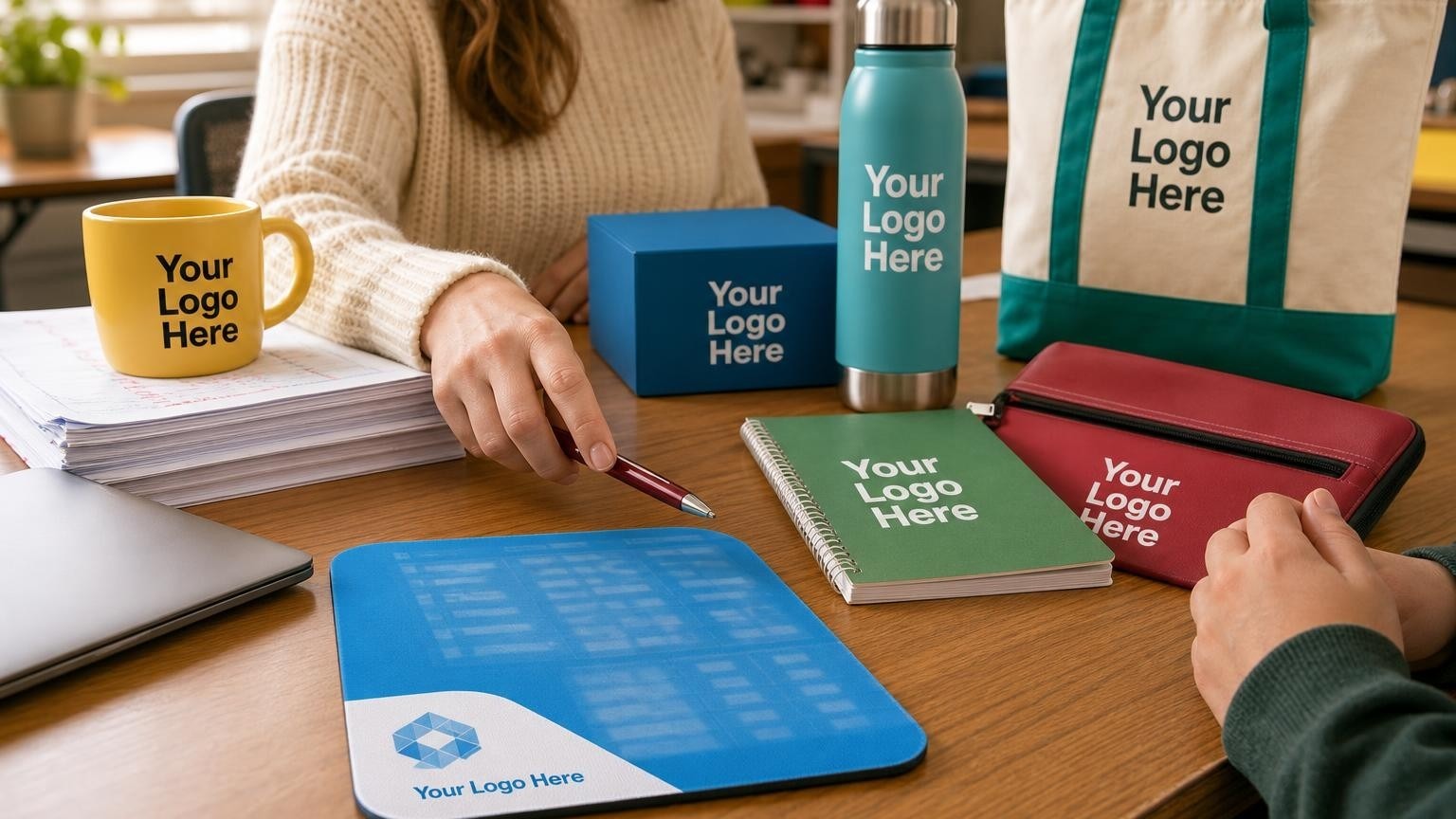
When designing these kits, consider the physical movement of teachers throughout the day. Teachers are constantly transporting materials between classrooms, the staff lounge, and their homes. Providing high-quality gifts for teacher appreciation during back-to-school professional development days establishes a positive relationship from day one. A well-organized welcome box containing useful writing tools, a durable notebook, and a custom mouse pad creates a professional presentation that teachers value. When these items are branded with your platform's logo and paired with a simple quick-start guide, they keep your brand in hand during daily planning sessions, directly supporting your software adoption goals.
The Teacher Adoption Kit Essentials
Distributed during back-to-school professional development sessions to drive daily software usage.
Strategic Physical Tools for Every Stage of the EdTech Lifecycle
Choosing the right physical product depends entirely on the specific implementation challenge you need to solve. Rather than selecting generic novelties, focus on items that directly address classroom workflows and administrative needs.
- Classroom Quick-Reference Tools: To combat password fatigue and initial setup confusion, promotional mouse pads serve as an ideal surface for printing step-by-step login guides, student onboarding tips, and essential keyboard shortcuts. This keeps your platform's core utility visible even when the computer screen is off.
- Offline Resource Distribution: In districts with unreliable internet access or strict firewall settings, providing preloaded USB storage flash drives containing offline curriculum guides, video tutorials, and printable worksheets ensures that teachers can access your resources without technical delays.
- Device Management Support: Modern classrooms rely heavily on tablets and laptops. Providing power banks and chargers for dedicated classroom device carts helps teachers keep student devices charged and ready for lessons, preventing lost instructional time due to dead batteries.
Matching Physical Tools to EdTech Implementation Goals
To maximize the impact of your physical touchpoints, align your product selection with the specific goals of your implementation phase. The table below outlines how to match common EdTech challenges with practical physical solutions.
| Implementation Phase | Primary Classroom Challenge | Recommended Physical Tool | Operational Benefit |
|---|---|---|---|
| Early Pilot Launch | Teacher password fatigue & login confusion | Custom shortcut mouse pads | Reduces initial support tickets and speeds up onboarding |
| Curriculum Integration | Accessing training videos and lesson plans | USB flash drives preloaded with guides | Bypasses school firewall restrictions and slow Wi-Fi |
| Mid-Year Check-In | Classroom tablet battery depletion mid-lesson | Portable power banks and chargers | Keeps student devices active and prevents lesson disruption |
| District Renewal Window | Maintaining visibility with decision-makers | Premium executive thank you gifts | Strengthens professional relationships with administrators |
Investment Tiers for EdTech Adoption and Retention
Designing a physical touchpoint strategy does not require an all-or-nothing budget. Successful EdTech companies structure their physical campaigns into clear tiers based on the scale of the rollout and the role of the recipient.
- Good (High-Volume Classroom Rollouts): Focus on cost-effective, high-utility items that can be distributed to every teacher in a adopting district. Excellent options include custom shortcut mouse pads, basic stylus pens for student tablets, and microfiber screen cleaning cloths.
- Better (Targeted Pilot Programs & PD Days): Invest in professional-grade tools for teachers participating in high-stakes pilot programs. Practical choices include preloaded USB flash drives, high-quality notebooks for professional development note-taking, and durable gifts for teacher appreciation that build goodwill.
- Best (District Partner & Administrator Renewals): Focus on premium, professional items that reflect a serious, long-term partnership. Ideal selections include executive tech portfolios, insulated stainless steel tumblers, and sophisticated thank you gift sets for superintendents and IT directors.
The District Partner VIP Collection
Presented to school board administrators and IT directors during contract renewal discussions.
Operational Wisdom: Fulfilling Physical Kits for School Districts
Based on Myron's experience helping organizations plan custom event merchandiseBased on experience helping organizations plan custom event merchandise, Myron's team has gathered practical operational insights to ensure your EdTech physical campaigns run smoothly:
- Flat, stackable items reduce shipping costs and storage stress: School district central warehouses are often crowded. Flat items like custom mouse pads are easy to store, stack, and distribute to individual school sites without taking up valuable space.
- Pre-sorting kits by school site saves customer success time: If your customer success managers are hand-delivering welcome packages, having the kits pre-sorted and labeled by school site prevents chaotic sorting sessions in school parking lots.
- Keep branding professional and focused on utility: Teachers are quick to discard items that feel like cheap advertising. Ensure your logo is clean, and prioritize the functional content—like keyboard shortcuts or quick-start guides—over large, flashy branding.
- Verify district gift policies before sending premium items: Public school districts often have strict compliance limits on the value of gifts that administrators can accept. Select high-quality, professional thank you items that fall well within standard public sector compliance limits.
- Plan for seasonal shipping bottlenecks: The weeks leading up to the start of the school year are the busiest for educational shipping. Order your kits at least 8-12 weeks in advance to guarantee they arrive before professional development days begin.
Common Pitfalls in EdTech Physical Campaigns
To ensure your investment supports your renewal goals, avoid these common procurement mistakes:
- Prioritizing novelty over classroom utility: It is easy to get distracted by trendy tech gadgets, but if an item does not solve an actual classroom problem, it will end up in a drawer. Focus on durable, daily-use items like custom mouse pads and reliable writing instruments rather than fragile electronic novelties that require IT setup.
- Ignoring school district compliance and gift policies: Trying to impress administrators with overly expensive luxury items can backfire if district policies force them to return the gifts. Choose professional, high-quality utility items that express appreciation without violating public sector compliance limits.
- Timing shipments poorly relative to the school calendar: Onboarding kits that arrive in mid-October, long after teachers have established their daily classroom routines, will have a fraction of the impact of kits delivered on day one. Plan your procurement early to ensure items are in teachers' hands during initial training sessions.
How to Choose the Right Item
- Classroom UtilityAsk: 'Will a teacher use this item at least three times a week in front of students?' High-utility items ensure continuous brand visibility and software reminders.
- Brand AlignmentAsk: 'Does the quality of this physical item match the premium nature of our software?' Avoid cheap, malfunctioning items that subconsciously signal a malfunctioning software product.
- Distribution LogisticsAsk: 'Can this item be easily packed and shipped in bulk to a school district warehouse?' Flat, durable items reduce shipping costs and risk of damage.
Frequently Asked Questions About EdTech Physical Touchpoints
How do physical items help increase digital software adoption in schools?
Physical items act as constant visual triggers in the classroom, keeping your digital platform top-of-mind for busy teachers. In a hectic classroom environment, a physical tool like a custom mouse pad printed with keyboard shortcuts provides immediate utility and serves as a daily reminder to log in, reducing the friction of digital adoption.
What should be included in a teacher onboarding kit to ensure it is actually used?
Focus on high-utility items that solve daily classroom problems, such as durable mouse pads, quality writing instruments, and reliable tech accessories. Pair these items with clear, printed quick-start guides or preloaded USB flash drives containing offline resources to ensure teachers have everything they need to succeed from day one.
When is the best time to order and ship appreciation gifts to district decision-makers?
Align your shipments with key milestones in the school calendar, such as mid-year pilot reviews or 60 days before the spring budget renewal cycle. Ordering your items 8-12 weeks in advance ensures they arrive in time to positively influence renewal evaluations and budget planning sessions.
Secure Your Next District Renewal with Strategic Planning
Securing a multi-year school district agreement requires more than just excellent software; it requires a deep commitment to supporting the educators who use it every day. By integrating high-utility physical tools into your onboarding and retention strategies, you can reduce teacher friction, build strong district partnerships, and protect your renewal pipeline. As you prepare for your next district adoption cycle or upcoming professional development sessions, let's discuss how to align physical tools with your software goals. Schedule a consultation with Myron's education branding experts to design custom adoption kits tailored to your software's specific user workflow and district compliance guidelines.