


Promotional USB Hubs
Connect, charge, and keep devices organized
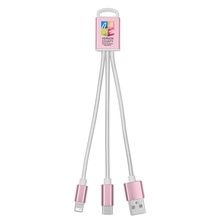
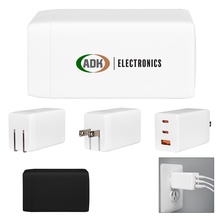
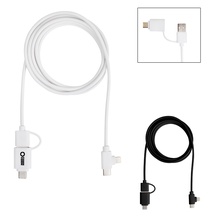
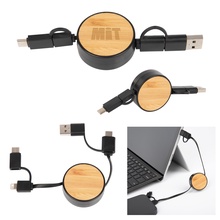
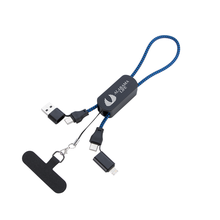
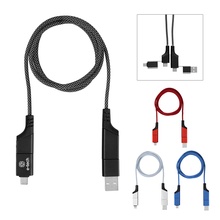
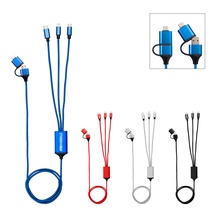
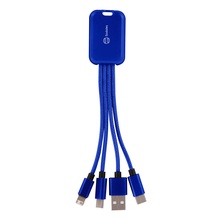
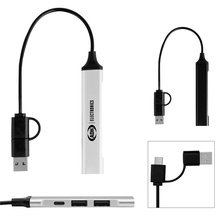
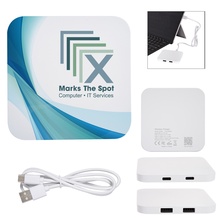
Busy offices and event teams use USB hubs to keep laptops, phones, and accessories connected at shared desks, check-in tables, and meeting rooms. Choose them when multiple devices need power and data connections without swapping cords or hunting for open ports. Many setups pair well with charging cables and wall adapters for travel days and conference rooms. Look at port count, USB-A and USB-C support, and how the hub sits on a desk so it stays easy to reach during daily use.

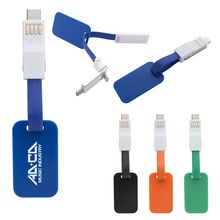
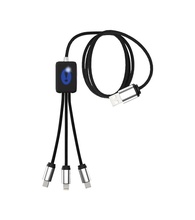
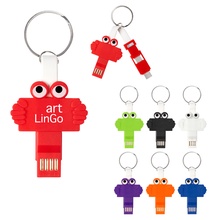
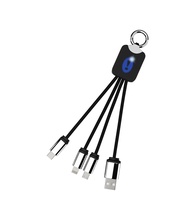
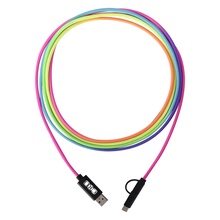
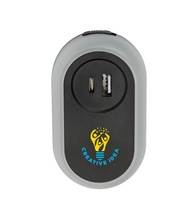
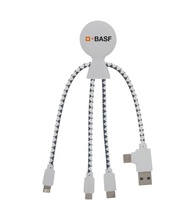

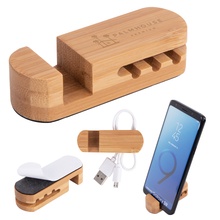
How to choose the right hub and power setup
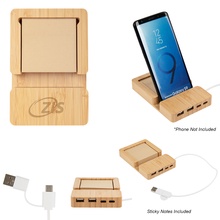
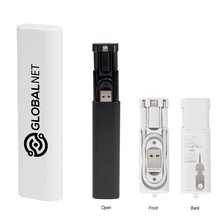
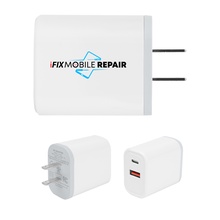
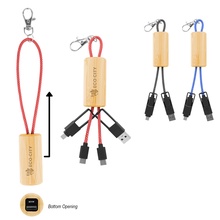
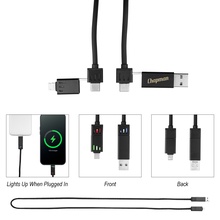
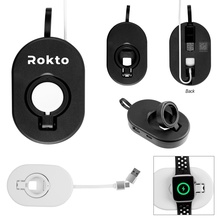
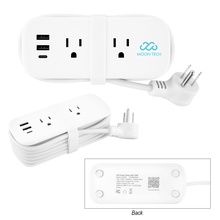
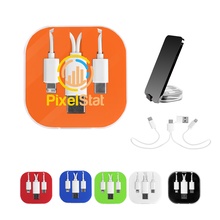
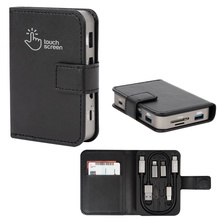
Start with how many devices will connect at once; a 2-port hub can cover a simple desk, while a 4-port hub better supports shared spaces. Match connectors to the devices in use by choosing USB-A and USB-C options where needed. If the hub will travel, compact formats and integrated phone stands can keep bags and check-in tables tidy. For charging-focused needs, pair a charging hub with a wall adapter or power strip so recipients can plug in at hotels, training rooms, and conference venues.
USB hub and charging hub FAQs
What is the difference between a USB hub and a charging hub?
A USB hub adds ports so multiple devices can connect to one computer or power source. A charging hub focuses on powering devices, often alongside extra ports for convenience.
How many ports should I choose for shared desks or check-in tables?
USB hubs with 4 ports are a practical choice when several devices need to connect at the same time. USB hubs with 2 ports can fit smaller setups with fewer devices.
Should I pick USB-A, USB-C, or a mix of both?
USB-A and USB-C hubs help cover older accessories and newer devices in the same workspace. USB-C hubs are helpful when recipients mainly use newer laptops and phones.
When does a wall adapter make more sense than a hub?
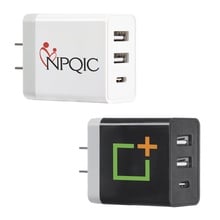
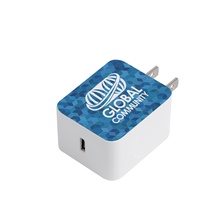
Wall adapters make more sense when the main need is powering devices from an outlet rather than adding connection ports. Wall adapters are commonly used in hotel rooms, training rooms, and conference venues.
How do I set up a conference tech kit so devices stay organized?
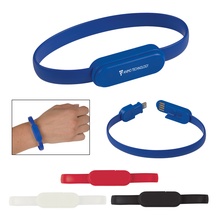
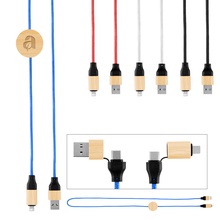
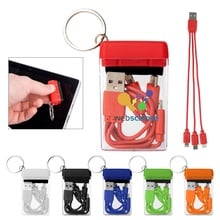
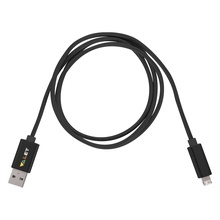
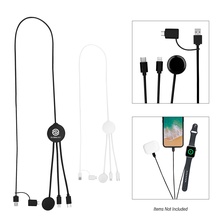
A conference tech kit stays organized by pairing a USB hub with charging cables and a wall adapter for quick plug-in at a table. Cable organizers help keep cords from tangling during check-in and session changes.
What should I use for international travel power needs?
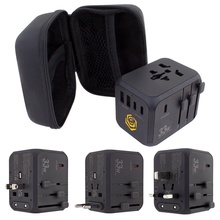
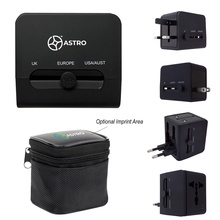
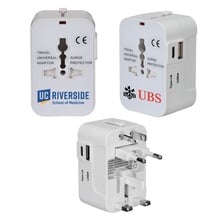
A universal travel adapter supports plugging devices into different outlet types when traveling. Universal international travel adapter styles are a common fit for conference travel and remote meetings.