


Laptop Bags
Carrying options for work and event travel
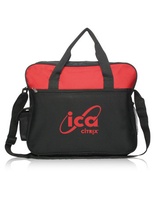
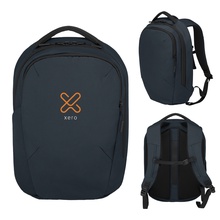
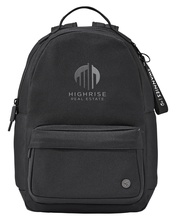
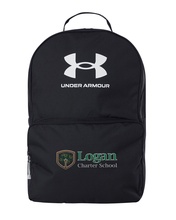
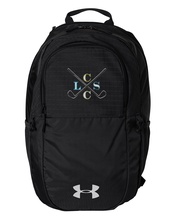
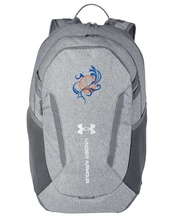
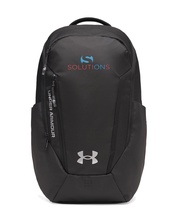
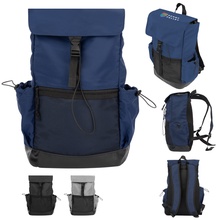
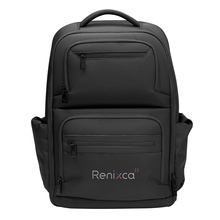
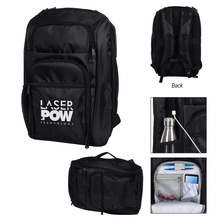
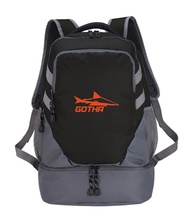
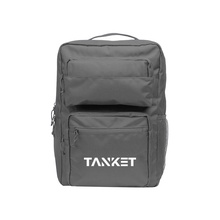
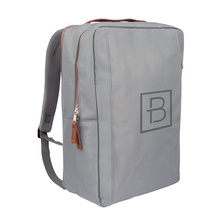
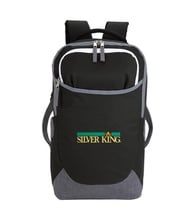
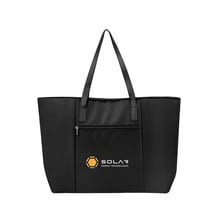
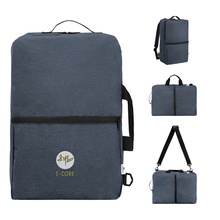
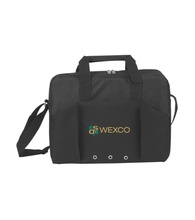
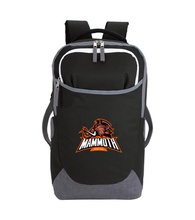
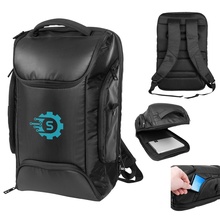
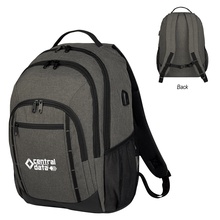
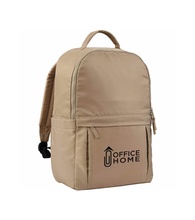
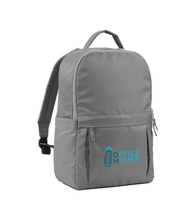
Conference staff and office teams use laptop bags to carry computers, chargers, and meeting essentials in a way that looks consistent across a group. These styles make sense for travel days, onboarding kits, or events where attendees move between sessions and need hands-free or quick-access storage. Choose the format based on how the bag will be carried—backpack, messenger, tote, briefcase, or sleeve. Pay attention to laptop size fit such as 15 laptop or 16 laptop so devices sit securely during commutes and venue transitions.


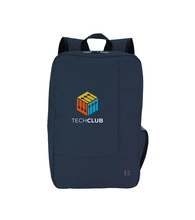
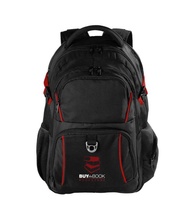
How to choose the right carry style
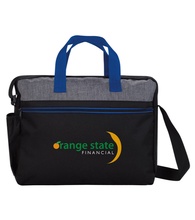
Start with the work setting and how recipients will use the bag: backpacks suit longer commutes and heavier loads, while laptop sleeves pack easily inside other bags for lighter carry. Corporate programs often prefer structured options like laptop briefcase styles for meetings and client-facing use, while laptop tote formats fit paperwork and personal items in one place. If security is a consideration for travel, RFID laptop backpack designs can help protect cards and passports. For sustainability-focused programs, recycled laptop backpack and rPET laptop tote bag options align with greener kit themes.
Laptop bag selection questions
What’s the difference between a laptop sleeve and a laptop backpack?
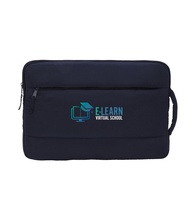
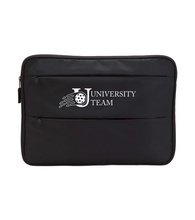
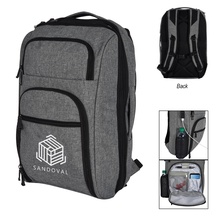
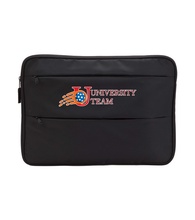
A laptop sleeve is a slim cover that protects a computer inside another bag or when carrying light. A laptop backpack adds straps and extra storage for chargers, notebooks, and daily commute items.
When should I choose a laptop briefcase instead of a backpack for a team?
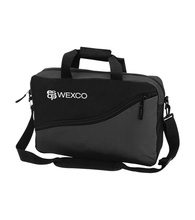
A laptop briefcase makes sense when recipients are heading to meetings and want a more structured carry style. A backpack works better when people will be walking longer distances or carrying heavier loads during travel days.
What does RFID mean on a laptop bag?
An RFID laptop backpack includes a pocket or area intended to help protect RFID-enabled cards from some types of scanning. RFID features are most relevant for conference travel and airport use where cards and passports are carried.
How do I pick the right size for a 15 laptop or 16 laptop?
A 15 laptop or 16 laptop fit depends on both screen size and the device’s overall dimensions. Laptop bags work best when the computer slides in without forcing zippers and there is room for a slim case if needed.
Which style works well for onboarding kits that need hands-free carry?
A laptop backpack is a common choice for onboarding kits because it keeps weight balanced and leaves hands free. A laptop tote bag can also work when the kit needs a single open compartment for papers and accessories.
What should I ask for when I need logo placement that stays visible in use?
Logo placement on laptop bags should be on a flat, front-facing panel that won’t fold or rub during carry. Full color imprint options can be helpful when the artwork includes multiple colors.