


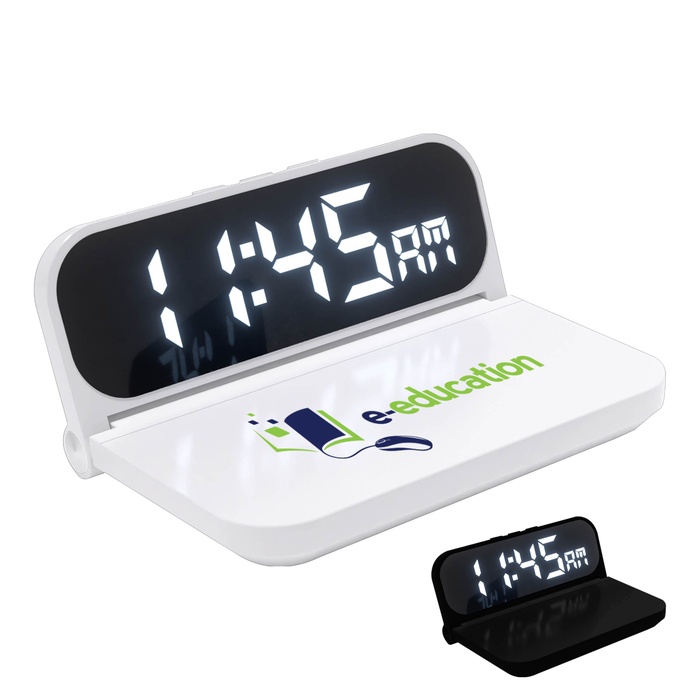
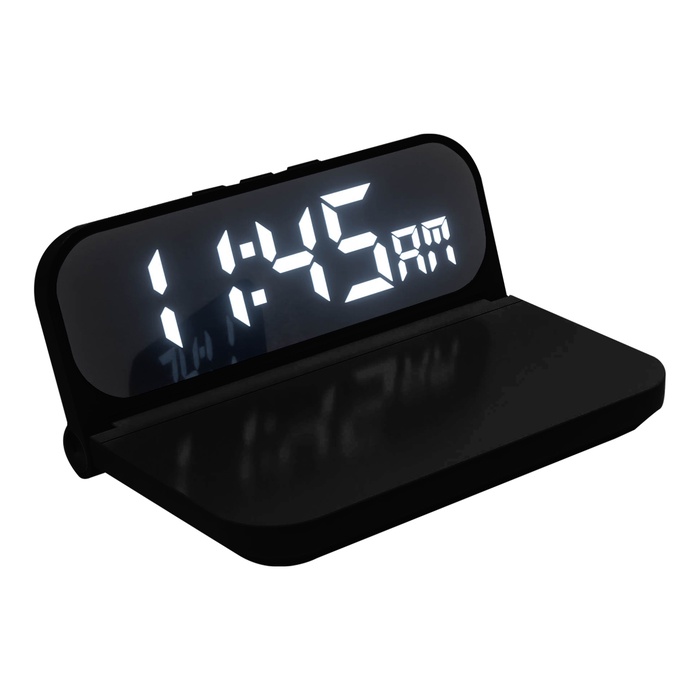
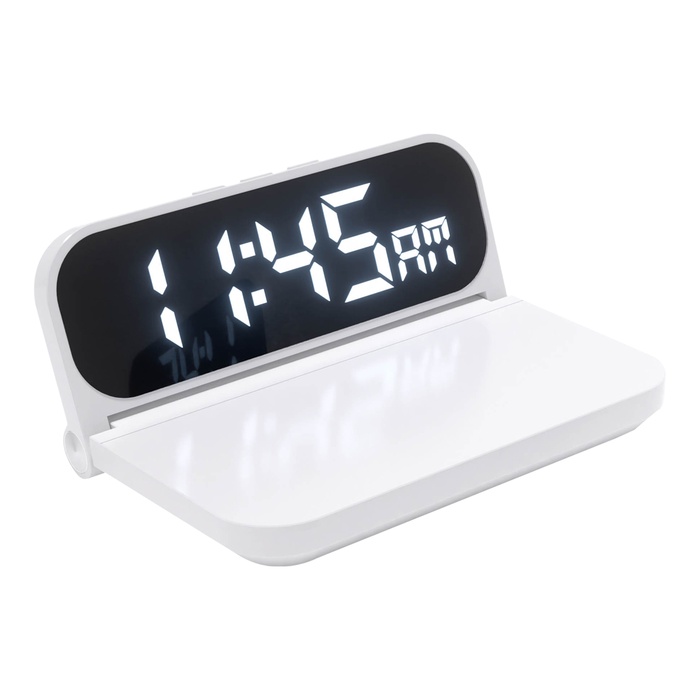


15W Wireless Charger & Clock
STEP 1 - SELECT QUANTITY TO ORDER
QTY EACH | SAMPLE $25.34 | 15 $31.67 | 30 $30.54 | 90 $29.48 | 150 $28.51 | 300 $27.58 |
FREE PRODUCT SAMPLE
We’re happy to provide qualified business customers with one FREE product sample valued up to $15.
Our sample program is designed to help businesses and organizations evaluate a product they are seriously considering for purchase. Samples are typically blank or may include a random imprint, depending on availability.
- CHOOSE the product you’re considering from our website.
- CALL US AT (800) 526-9766 — We’ll be happy to help with your sample request!
Limit one free sample per customer or business. All sample requests are subject to review and product availability. We reserve the right to limit or decline sample requests.
- Charge Qi enabled devices wirelessly with a 15W output.
- Customize clock settings easily with a push button.
- View time clearly with adjustable display angles.
- Protect devices with over current and over temperature safeguards.
- Detect foreign objects to ensure safe charging.
- Include Type-C input for versatile connectivity.
- Use with compatible devices for optimal performance.
Powered by Qi wireless charging up to 15W, the Cork charger suits desk setups in corporate gifts. The 2x2 inch imprint area invites subtle branding through screen printing for employee recognition or client outreach. The digital clock display is adjustable via a push button and viewed from a range of angles. Safety features include over current protection, over temperature protection, and foreign object detection for practical assurance. Type-C input provides flexible connectivity, and the included cord keeps the setup tidy. Care is simple: wipe with a soft cloth and avoid harsh cleaners; do not immerse. In daily office life, it serves as a reliable, unobtrusive charging station.
| Imprint Area | 2" H x 2" W |
|---|---|
| Material | Plastic |
| Imprint Method | Screen Printing |
| Setup | $40.00 |
| Production Time | 5 business days |
15W Wireless Charger & Clock Q&A
What devices can be charged with the Cork Wireless Charger?
It charges Qi-enabled devices wirelessly at up to 15W.
What material is the charger made from?
The charger is made of plastic.
How can branding be applied to this charger?
Logos are applied via screen printing within a 2" by 2" imprint area.
What safety features are included?
Safety features include over current protection, over temperature protection, and foreign object detection.
How do I view or adjust the clock display?
Clock settings are adjustable with a push button, and the display angle can be changed for easy viewing.
What is the best way to care for the charger?
Clean by wiping with a soft cloth and avoid harsh cleaners; do not immerse.
What power input does it use?
It uses a Type-C input for power.
Our goal is to present you with precise product details. The information displayed here is provided by manufacturers, suppliers, and other sources, and we have yet to confirm its accuracy.