


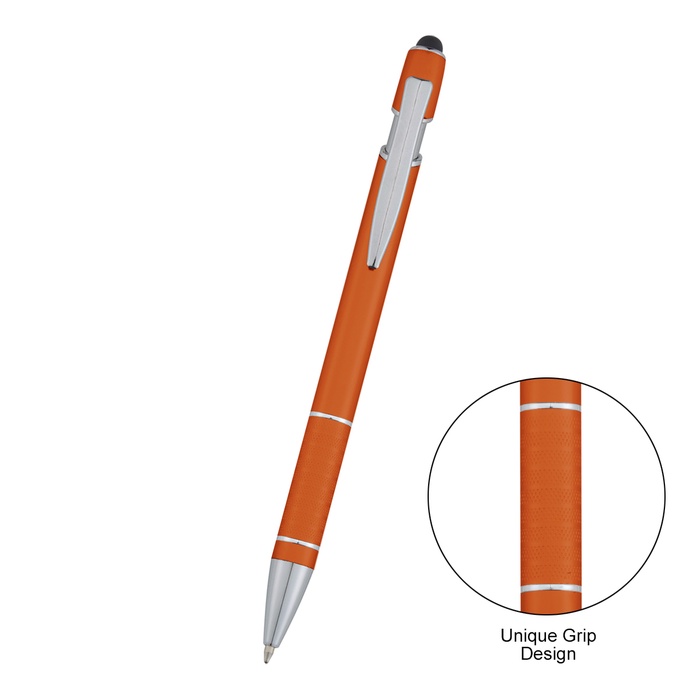
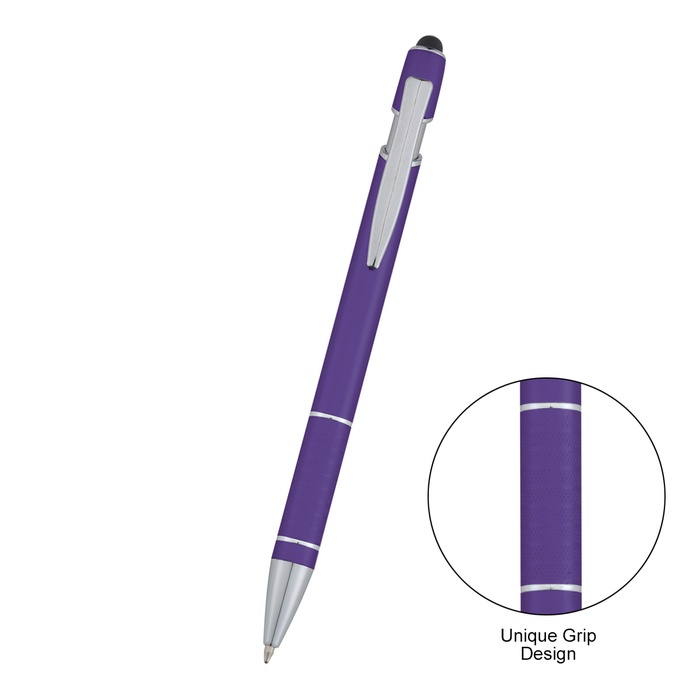


Varsi Incline Stylus Pen
STEP 1 - SELECT QUANTITY TO ORDER
QTY EACH | SAMPLE $1.94 | 50 $2.43 | 100 $1.65 | 250 $1.57 | 500 $1.51 | 1000 $1.47 | 2500 $1.42 |
FREE PRODUCT SAMPLE
We’re happy to provide qualified business customers with one FREE product sample valued up to $15.
Our sample program is designed to help businesses and organizations evaluate a product they are seriously considering for purchase. Samples are typically blank or may include a random imprint, depending on availability.
- CHOOSE the product you’re considering from our website.
- CALL US AT (800) 526-9766 — We’ll be happy to help with your sample request!
Limit one free sample per customer or business. All sample requests are subject to review and product availability. We reserve the right to limit or decline sample requests.
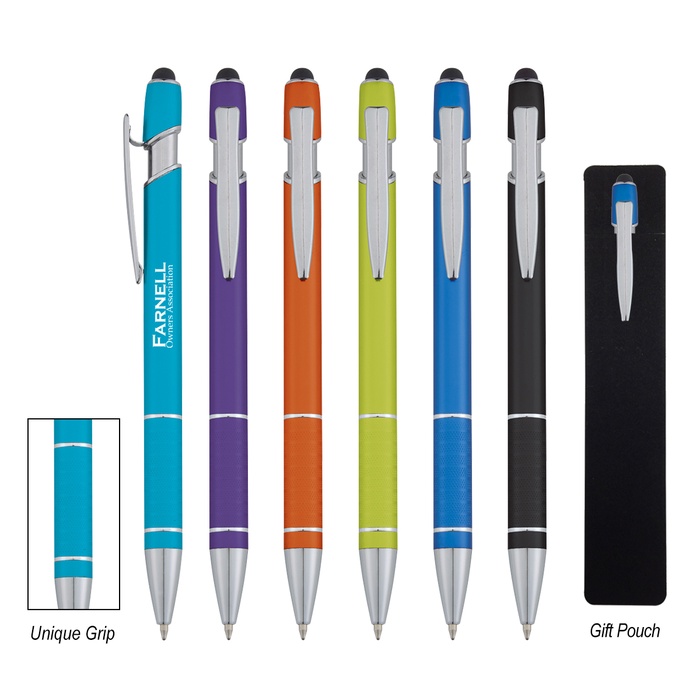
- Supports precise writing and touchscreen use.
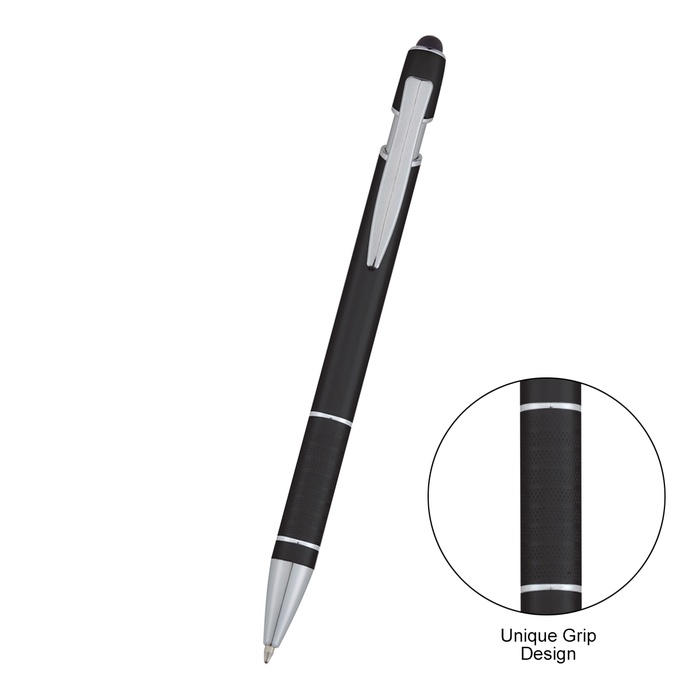
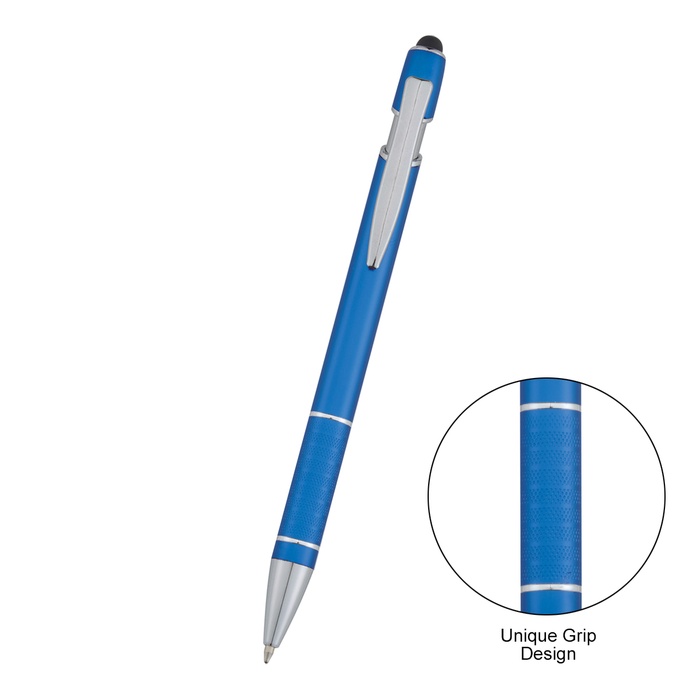
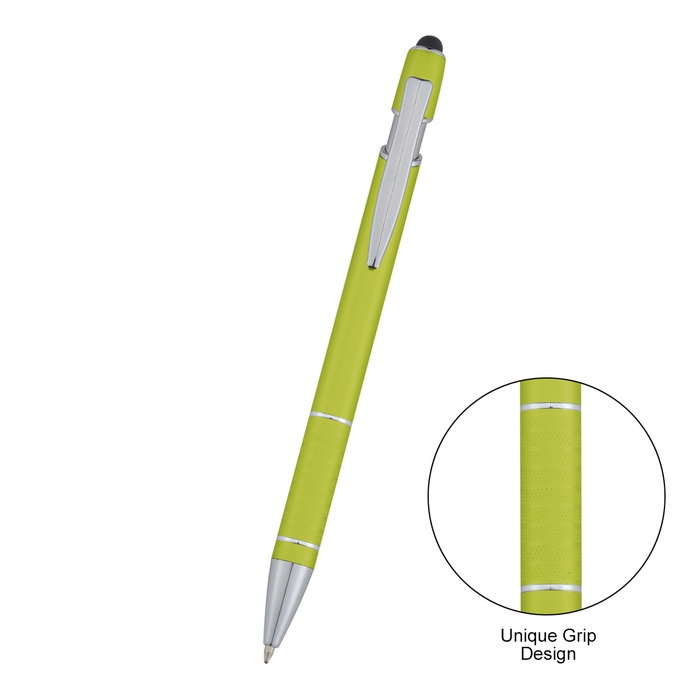
- Features a unique grip for comfortable handling.
- Outlines a plunger action mechanism for easy use.
- Includes a stylus on top for versatile functionality.
- Designed for both writing instruments and touchscreen devices.
- Showcases aluminum construction for durability.
- Suitable for everyday use in various settings.
For daily professional use, the pen supports balanced handling and reliable performance for note-taking alongside touchscreen navigation. Regular cleaning with a soft microfiber cloth preserves the smooth plunger action and minimizes smudges on the metal finish. Keep fingers dry during long sessions to maintain precise control when writing and tapping. In corporate contexts, teams appreciate branding options on event kits without disrupting workflow. The design supports quick transitions between handwritten notes and touchscreen tasks in meetings and training sessions.
| Size | 5.50" H |
|---|---|
| Imprint Area | 0.375" H x 1.5" W |
| Material | Aluminum |
| Imprint Method | Screen Printing |
| Setup | $$40.00 |
| Production Time | 5 business days |
Varsi Incline Stylus Pen Q&A
What is the size of the Varsi Incline Stylus Pen?
The pen is 5.50 inches tall.
What material is used for the body?
The body is aluminum.
Where is the stylus located and what does it do?
A stylus sits on top to facilitate touchscreen navigation and quick taps.
What is the imprint area for branding?
The imprint area measures 0.375 inches high by 1.5 inches wide.
How should the pen be cared for to maintain its mechanism?
Clean with a soft microfiber cloth to preserve the smooth plunger action and finish.
What are typical use contexts in a corporate setting?
Teams use it for note-taking and digital tasks in meetings, at events, and during training sessions.
How do I use the pen for both writing and touchscreen tasks?
The design supports dual-use workflows with the integrated stylus on top facilitating touchscreen navigation while you write.
Our goal is to present you with precise product details. The information displayed here is provided by manufacturers, suppliers, and other sources, and we have yet to confirm its accuracy.